Convert PDF to Image: Quality Tips and Use Cases
 Özer CET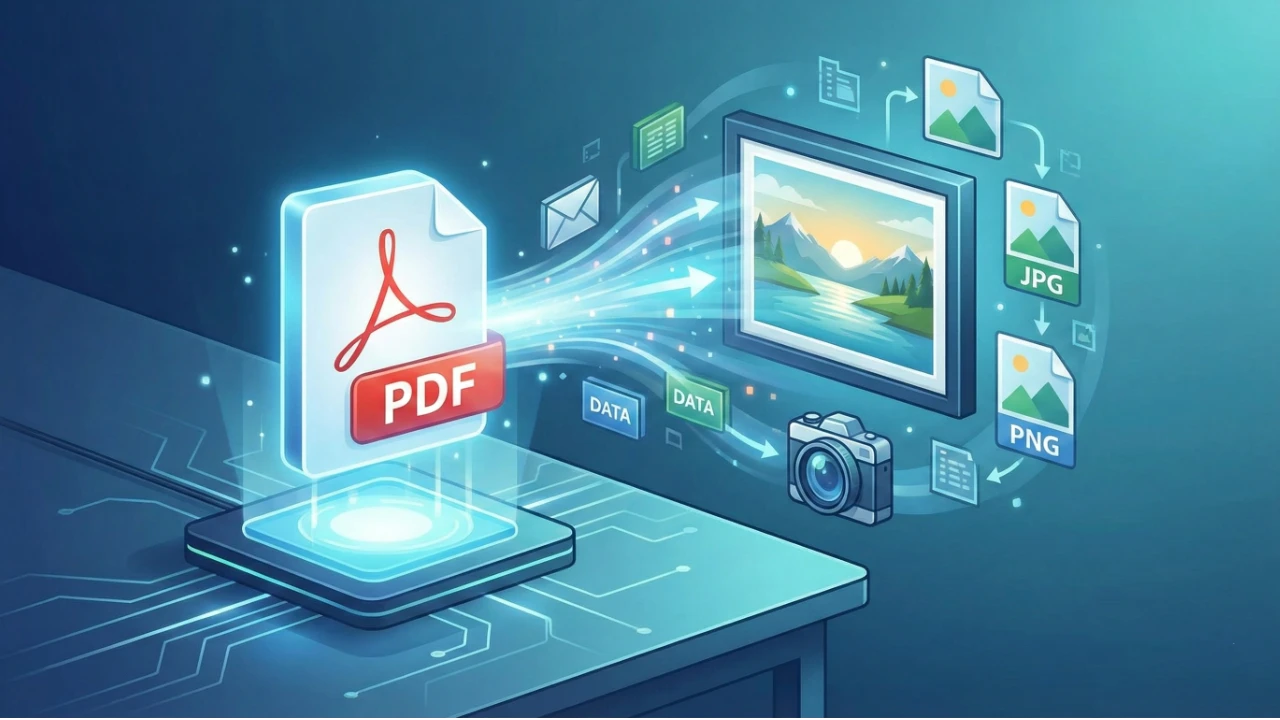
Convert PDF to Image: Quality Tips and Use Cases
PDF documents are everywhere — reports, presentations, invoices, and ebooks. But sometimes you need individual pages as images for sharing, embedding, or editing. The PDF to Image tool makes this conversion fast, easy, and high-quality.
Why Convert PDF to Image?
There are many practical reasons to convert PDF pages to images:
- Social media sharing: Image formats are natively supported on all social platforms
- Presentations: Insert specific pages into slideshows without compatibility issues
- Web content: Embed PDF content directly into web pages as images
- Archiving: Create image-based backups of important documents
- Editing: Modify PDF content using image editing tools
- Thumbnails: Generate preview images for document libraries
Popular Use Cases
Business and Marketing
Convert proposal pages, infographics, and reports into shareable images for email campaigns and social media posts.
Education
Transform course materials, worksheets, and study guides into image format for easier distribution on learning platforms.
Legal and Compliance
Create image copies of signed documents, contracts, and certifications for quick reference and sharing.
E-Commerce
Convert product catalogs and spec sheets into images for product listings and promotional materials.
Portfolio Presentation
Transform design portfolios and case studies from PDF into individual images for online showcasing.
Tips for Optimal Quality
- Choose the right resolution: 150 DPI for web use, 300 DPI for print quality
- Select the appropriate format: PNG for sharp text and graphics, JPEG for photographs
- Consider file size: Higher resolution means larger files — balance quality with practicality
- Convert specific pages: Only convert the pages you need rather than the entire document
- Check color accuracy: Ensure colors match between the original PDF and converted image
Format Comparison
| Format | Best For | File Size | Quality |
|---|---|---|---|
| PNG | Text, logos, graphics | Larger | Lossless |
| JPEG | Photos, full-color pages | Smaller | Lossy (adjustable) |
| WebP | Web optimization | Smallest | Good balance |
| TIFF | Print and archiving | Largest | Highest quality |
Getting Started
Visit the PDF to Image tool on GenoraLab. Upload your PDF, choose your preferred format and quality settings, and download your images in seconds.
Need to convert your PDFs? Try the PDF to Image converter today.
Written by
Özer CET
Creating AI-powered tools and sharing insights on technology, design, and creativity.