Extract Text from Images with AI OCR: A Complete Guide
 Özer CET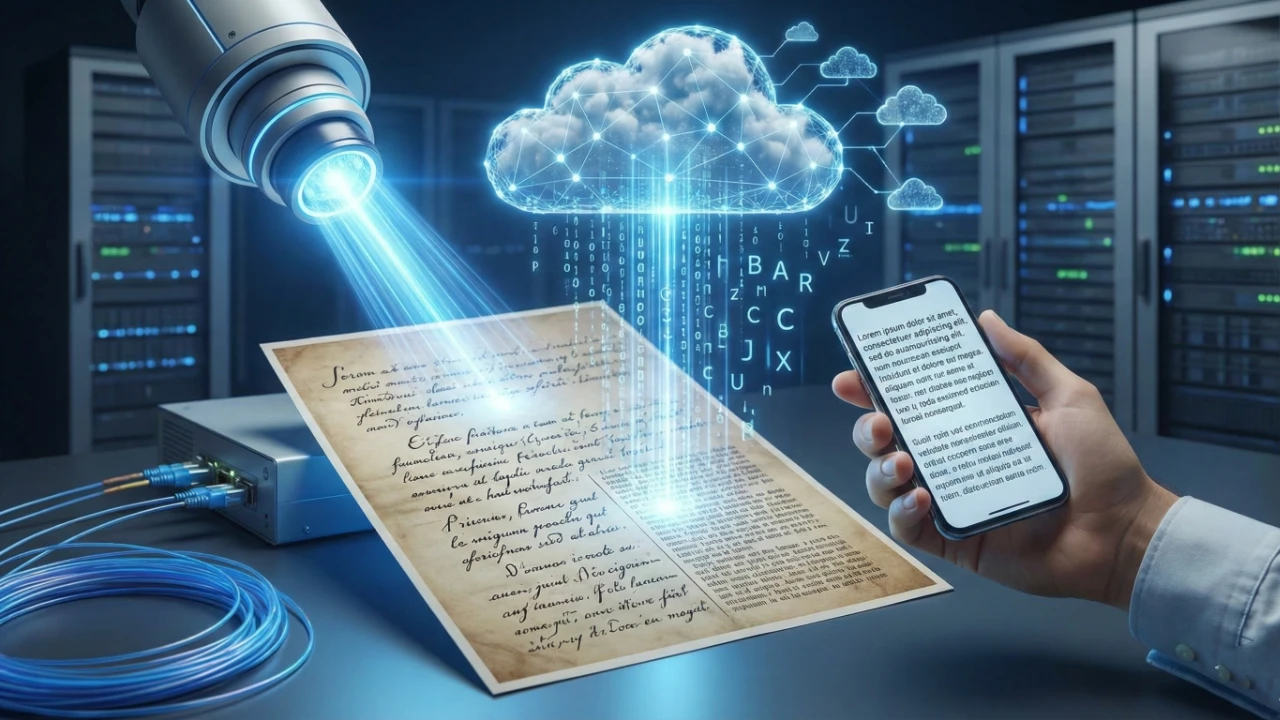
Extract Text from Images with AI OCR
Optical Character Recognition (OCR) powered by artificial intelligence has transformed how we digitize and process text from images. Whether you need to extract text from a scanned document, a screenshot, or a photograph, the AI Image to Text tool makes it fast and accurate.
What Is AI OCR?
AI OCR goes beyond traditional character recognition. It uses deep learning models to understand context, recognize handwriting, process multiple languages, and handle complex layouts like tables, forms, and multi-column documents.
Popular Use Cases
Document Digitization
Convert paper documents, receipts, invoices, and contracts into editable digital text. Eliminate manual data entry and reduce errors.
Screenshot Text Extraction
Extract text from screenshots, error messages, or code snippets shared as images.
Business Card Processing
Quickly digitize contact information from business cards into your CRM or address book.
Academic Research
Extract text from scanned academic papers, books, and historical documents for citation and analysis.
Accessibility
Convert image-based text into machine-readable format for screen readers and assistive technologies.
Data Entry Automation
Automate the extraction of data from forms, surveys, and structured documents.
Tips for Best OCR Results
- Use clear, high-resolution images: Blurry or low-resolution images produce poor results
- Ensure good contrast: Dark text on a light background works best
- Straighten the image: Skewed or rotated text reduces accuracy
- Minimize background noise: Remove patterns, watermarks, or overlapping elements
- Use appropriate lighting: Avoid shadows and glare when photographing documents
Supported Content Types
| Content Type | Accuracy | Notes |
|---|---|---|
| Printed text | Excellent | Near-perfect accuracy for clean prints |
| Handwriting | Good | Depends on legibility |
| Tables | Very Good | Structure is preserved |
| Multi-language | Very Good | Supports numerous languages |
| Receipts | Excellent | Optimized for financial documents |
Getting Started
Visit the AI Image to Text tool on GenoraLab. Upload your image and get extracted text in seconds.
Ready to digitize your documents? Try the AI Image to Text tool today.
Written by
Özer CET
Creating AI-powered tools and sharing insights on technology, design, and creativity.