AI Image Upscaler: Enlarge Images Without Losing Quality
 Özer CET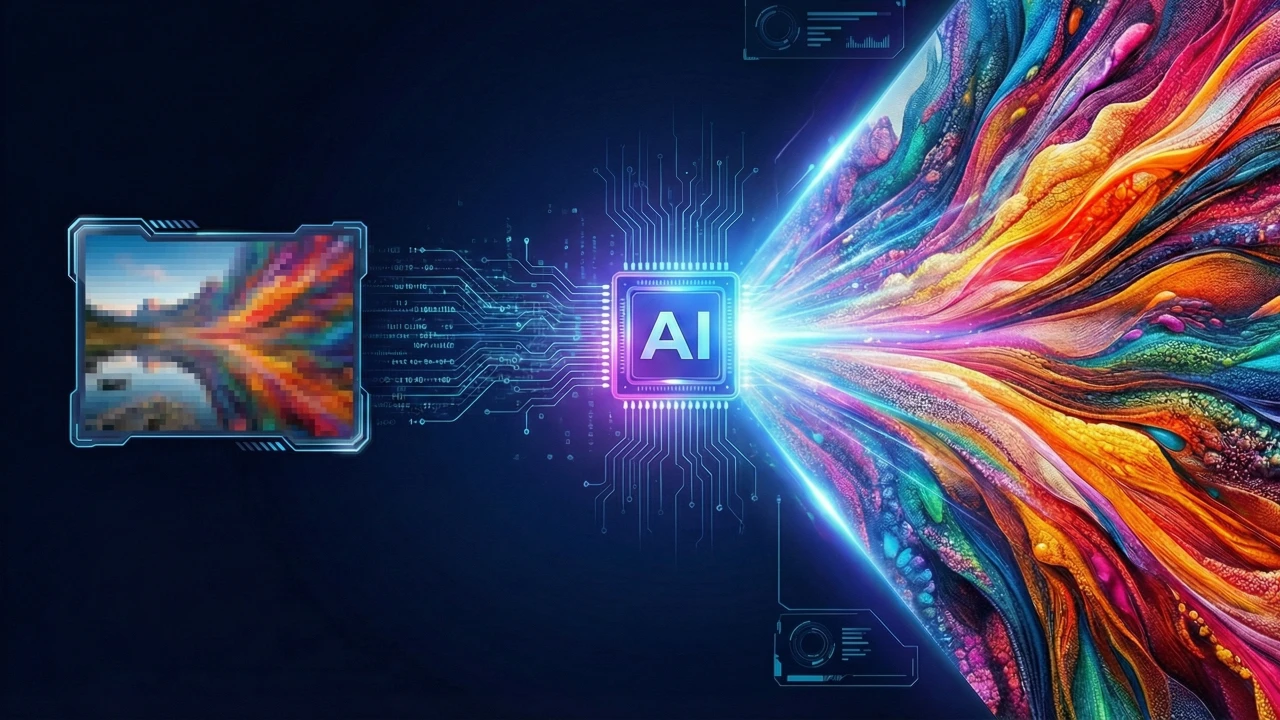
AI Image Upscaler: The Ultimate Guide
Upscaling images has never been easier. With GenoraLab's AI Image Upscaler, you can enlarge your photos up to 4x their original size without losing quality.
How Does AI Image Upscaling Work?
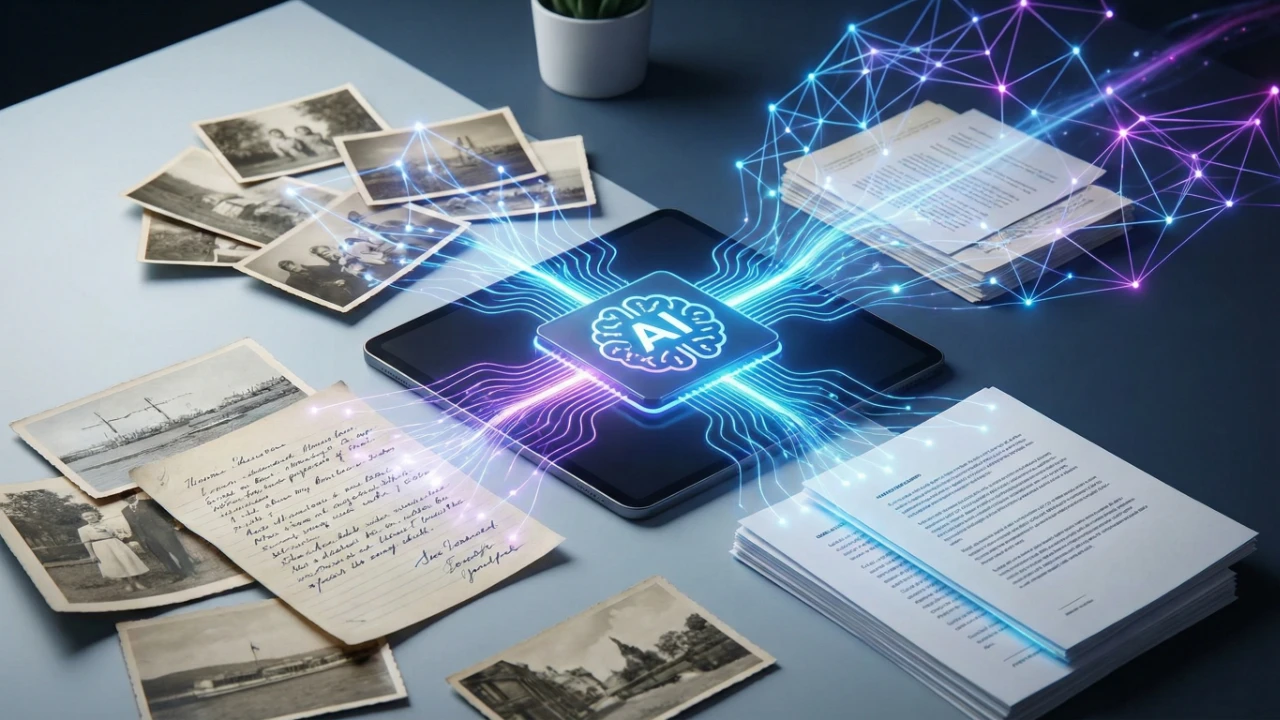
Traditional image resizing simply stretches pixels, resulting in blurry images. Our AI-powered upscaler uses deep learning models (Real-ESRGAN) to:
- Analyze patterns in your image
- Predict missing details using neural networks
- Reconstruct sharp, high-resolution output
Use Cases
| Use Case | Before | After |
|---|---|---|
| Product Photos | 500x500px | 2000x2000px |
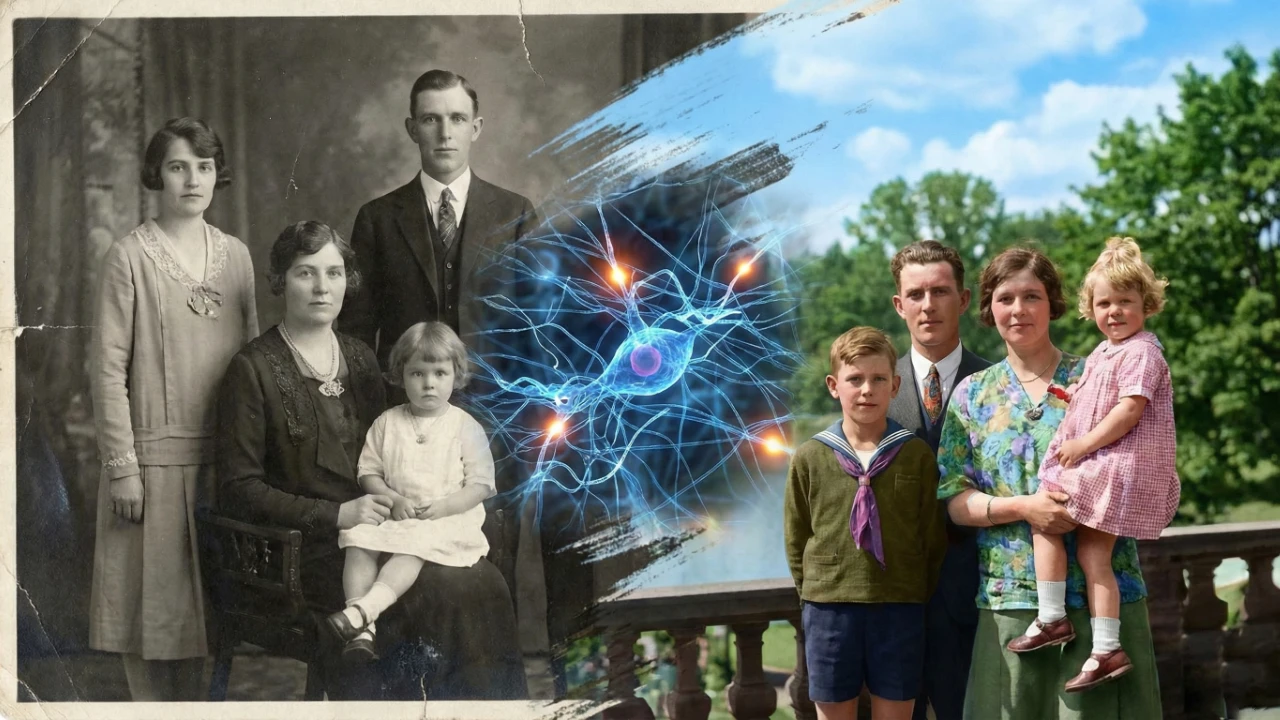
| Old Family Photos | Low resolution | Crystal clear |
| Social Media | Compressed | HD Quality |
| Print Materials | Web quality | Print-ready |
How to Use
- Visit AI Image Upscaler
- Upload your image (supports JPG, PNG, WebP)
- Select upscale factor (2x or 4x)
- Click Generate and download your enhanced image
The AI upscaler works best with photos, illustrations, and artwork. Results may vary with text-heavy images.
Why Choose GenoraLab?
- Free to use - No subscription required for basic usage
- Privacy first - Images are processed and deleted immediately
- Fast processing - Results in under 10 seconds
- High quality - Powered by Real-ESRGAN technology
Tips for Best Results
- Start with the highest quality source image available
- Use 2x upscale for moderate enhancement
- Use 4x upscale for maximum enlargement
- PNG format preserves the most detail
Ready to enhance your images? Try our AI Image Upscaler for free today!
Written by
Özer CET
Creating AI-powered tools and sharing insights on technology, design, and creativity.