AI Image Generation: A Complete Guide to Creating Stunning Visuals
 Özer CET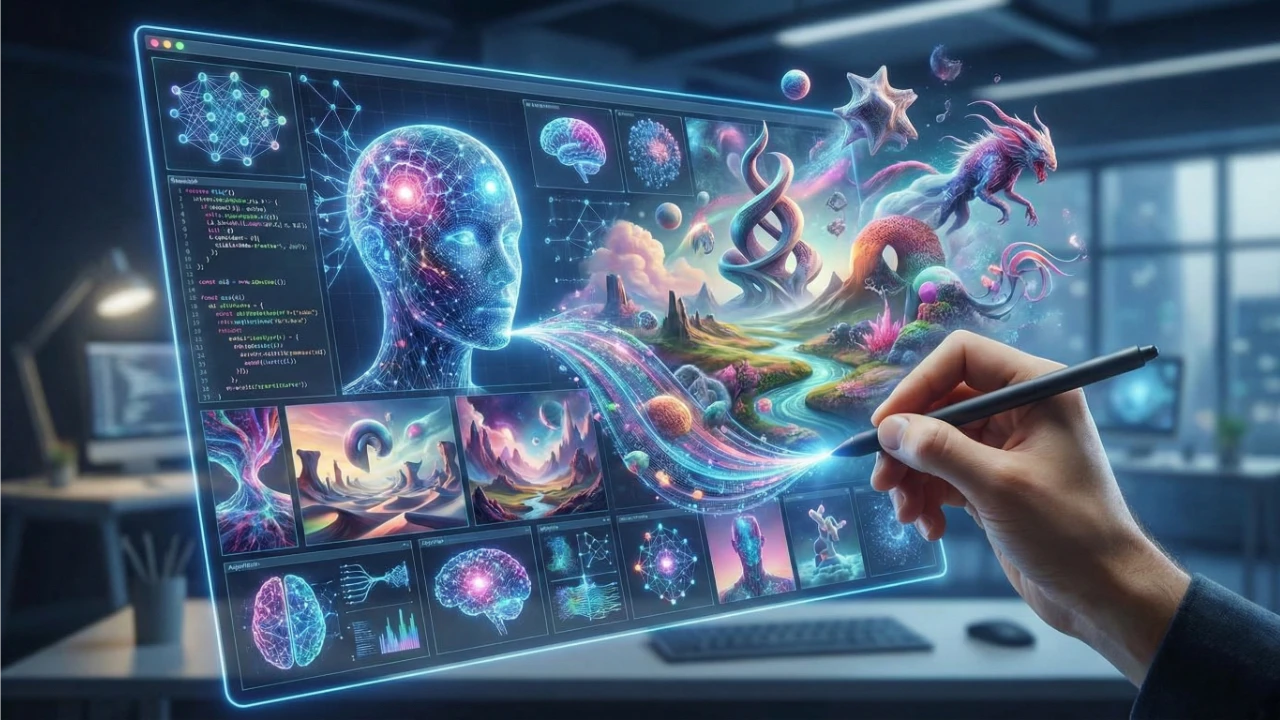
The Rise of AI Image Generation
AI image generation has transformed the creative landscape. What once required hours of skilled design work can now be accomplished in seconds with the right tools and prompts.
How AI Image Generation Works
Modern AI image generators use diffusion models trained on millions of images. When you provide a text prompt, the AI:
- Interprets your description using natural language processing
- Generates an initial noise pattern
- Refines the image through multiple iterations
- Outputs a high-quality, unique image
Use Cases for AI-Generated Images
| Industry | Application | Example |
|---|---|---|
| Marketing | Social media posts, ads | Eye-catching campaign visuals |
| E-commerce | Product mockups | Lifestyle product photography |
| Web Design | Hero images, backgrounds | Custom website illustrations |
| Content Creation | Blog headers, thumbnails | Unique article imagery |
| Art & Design | Concept art, illustrations | Creative exploration |
Mastering Prompt Engineering
The quality of your output depends heavily on your prompt. Here are professional tips:
Structure your prompts:
- Subject – What you want to see
- Style – Artistic direction (photorealistic, watercolor, 3D render)
- Mood – Lighting and atmosphere (dramatic, soft, cinematic)
- Details – Specific elements to include
Example prompts:
textProfessional: "A modern office space with floor-to-ceiling windows, minimalist furniture, warm afternoon light, photorealistic, 8K quality" Creative: "An enchanted forest with bioluminescent mushrooms, fireflies, misty atmosphere, fantasy illustration style"
Available Styles
Our AI Image Generator supports multiple artistic styles:
- Photorealistic – Indistinguishable from real photographs
- Digital Art – Modern digital illustration style
- Anime/Manga – Japanese animation aesthetic
- Oil Painting – Classic fine art look
- 3D Render – Clean, dimensional visuals
- Watercolor – Soft, artistic impressions
Best Practices
- Be specific – Detailed prompts produce better results
- Iterate – Generate multiple variations and refine
- Experiment – Try different styles for the same concept
- Resolution – Always generate at the highest available quality
- Commercial use – AI-generated images are yours to use commercially
Getting Started
- Open the AI Image Generator
- Enter a detailed text prompt
- Select your preferred style and dimensions
- Click Generate and review the results
- Download in high resolution
Start creating professional visuals today with our free AI Image Generator.
Written by
Özer CET
Creating AI-powered tools and sharing insights on technology, design, and creativity.